Can you use AI product photos on Etsy? The unedited-photo rule
AI edits are allowed on Etsy, with one condition many sellers miss. What the rule says, what you can change and what you can't.
By Luis Hernández · ·
In this post
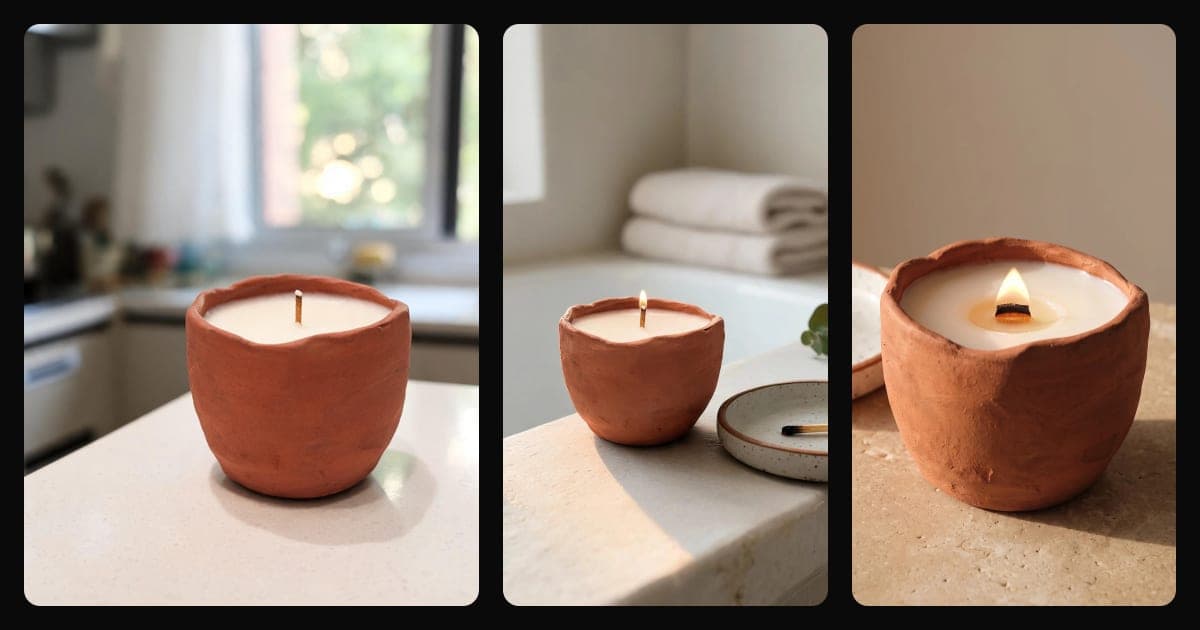
Can you use AI product photos on Etsy?
Yes, with limits. Etsy lets you use editing tools, "including AI", to adjust light, color and backgrounds, but your listing "must include at least one unedited photo of the actual item against a real background" (Etsy Help). So AI photos can be part of a listing, never all of it.
What the one-unedited-photo rule says
Etsy defines unedited as "the photo hasn’t been edited or changed in any way." In practice: a real photo of the real item, on a real background. Not a cut-out on white, not a scene built with AI.
Etsy adds that "Some exceptions may apply depending on the types of items you sell", without listing them on that page. If you think your item is an exception, check with Etsy before you rely on it.
Trade press reported the change in October 2026, as part of a wider update to Etsy's AI policy (Digital Commerce 360). It's new, so the wording may still change: read Etsy's page before you publish.
What you can do with AI in the other photos
According to the same Etsy page, in the rest of your listing photos you can:
- Use photo-editing tools, including AI, "to adjust lighting or color".
- Crop and resize.
- Change backgrounds.
What you can't do
Etsy draws the line at the item itself. Changing what's around it is allowed. Changing the item isn't. You can't:
- Use editing "to hide flaws, conceal damage, or edit an item's appearance" so it looks different from what the buyer will receive.
- Use images that "create false expectations about what the buyer will receive."
- For patterns, recipes and instructions, show an AI result: Etsy asks for "an actual result made using your instructions, not an AI-generated or simulated result."
Do you have to disclose AI-edited photos on Etsy?
It isn't a requirement. Etsy's photo guide lists it among its "best practices" for using AI, separate from the requirements; the requirement is the unedited photo. The guide says: "If you use AI to edit any of your listing photos, note whether images were edited in your listing description." A short line is enough, for example "Photos 2 to 5 show the item in scenes edited with AI. Photo 1 is unedited."
Press coverage of the October update also reports that Etsy will alert sellers when it detects AI images while they create a listing, and that buyers can report listings they think are AI-made (Digital Commerce 360). Those points come from the press, not from the Etsy help page we read.
Etsy also recommends making your first listing photo "the clearest, most realistic representation of the item buyers will receive."
How to build an Etsy listing that follows the rule
- Take the unedited photo first: the real item, on a real surface, in good daylight. A phone works. Don't filter it.
- Use the other photos for what one photo can't show: the item in use, in a lifestyle scene, with a person, next to something that shows its size.
- Check every edited photo against the real item before you publish it. This fidelity checklist goes part by part.
- Avoid transparent PNGs: Etsy shows the transparent parts as black. Here's what to upload instead.
- Recommended, not required: add a line to the description that says which photos were edited with AI.
- Review the listing again when Etsy updates its photo guide. The rule is recent, and recent rules get reworded.
Where Setlys fits, and where it doesn't
Setlys can't make your unedited photo. That one has to come from your camera, untouched. Setlys helps with the others: you add a real photo of your product, and Setlys builds lifestyle scenes, scenes with a person or a background in your brand colors around it, without retouching or changing the product. Each scene goes through an automated review against the real product, and you can mark it as faithful once you've checked it yourself.
One detail on size: Setlys downloads at 1200 px on the short side, while Etsy recommends listing photos of "at least 2000 pixels" on both sides. And for the right shape in each thumbnail, change format offers 9:16, 3:4, 4:5, 1:1, 3:2 and 16:9.
Your product on your brand's background, no studio needed.
Your product in a style like studio, marble or by the window, or on white. A style costs 1 credit; white is free.
Sources
- Etsy Help: How to Add Photos and Videos to Your Listings · checked October 30, 2026
- Digital Commerce 360 (press): Etsy's AI policy update · checked October 29, 2026